
Statements - Dashboard Actions
Know actions you can perform in the statements tab.
An admin and support maker can perform the following actions in the Statement tab:
👁️ View Transactions of a Billing Period
This can be used to view transactions happened on a particular billing period.
To view transactions of a billing period:
-
Log in to the issuer dashboard using the role-based credentials.
-
If a user is:
- An admin maker: Click the customer to pay the bill.
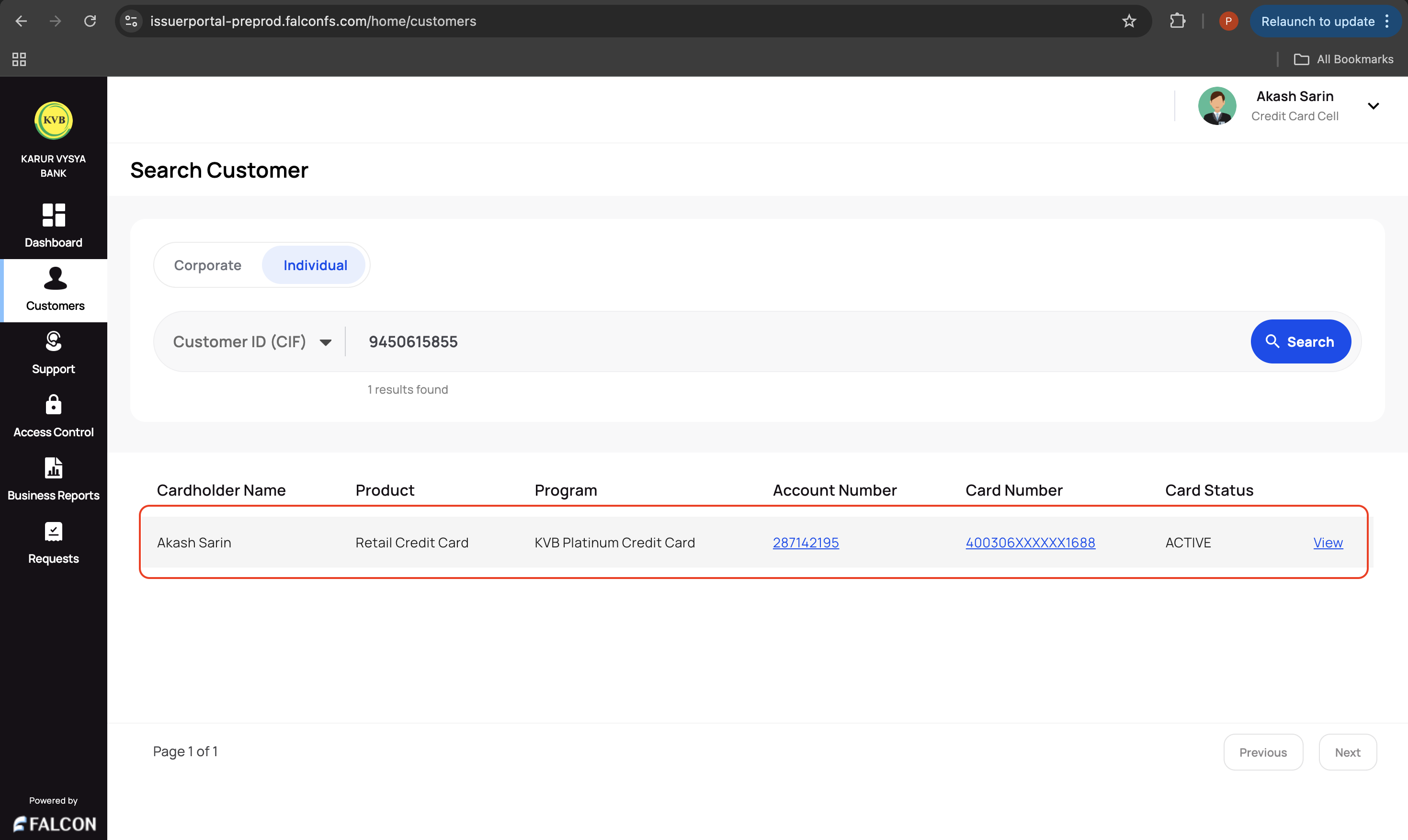
- A support maker: Click the customer, select any two customer details to authenticate, and click Submit.
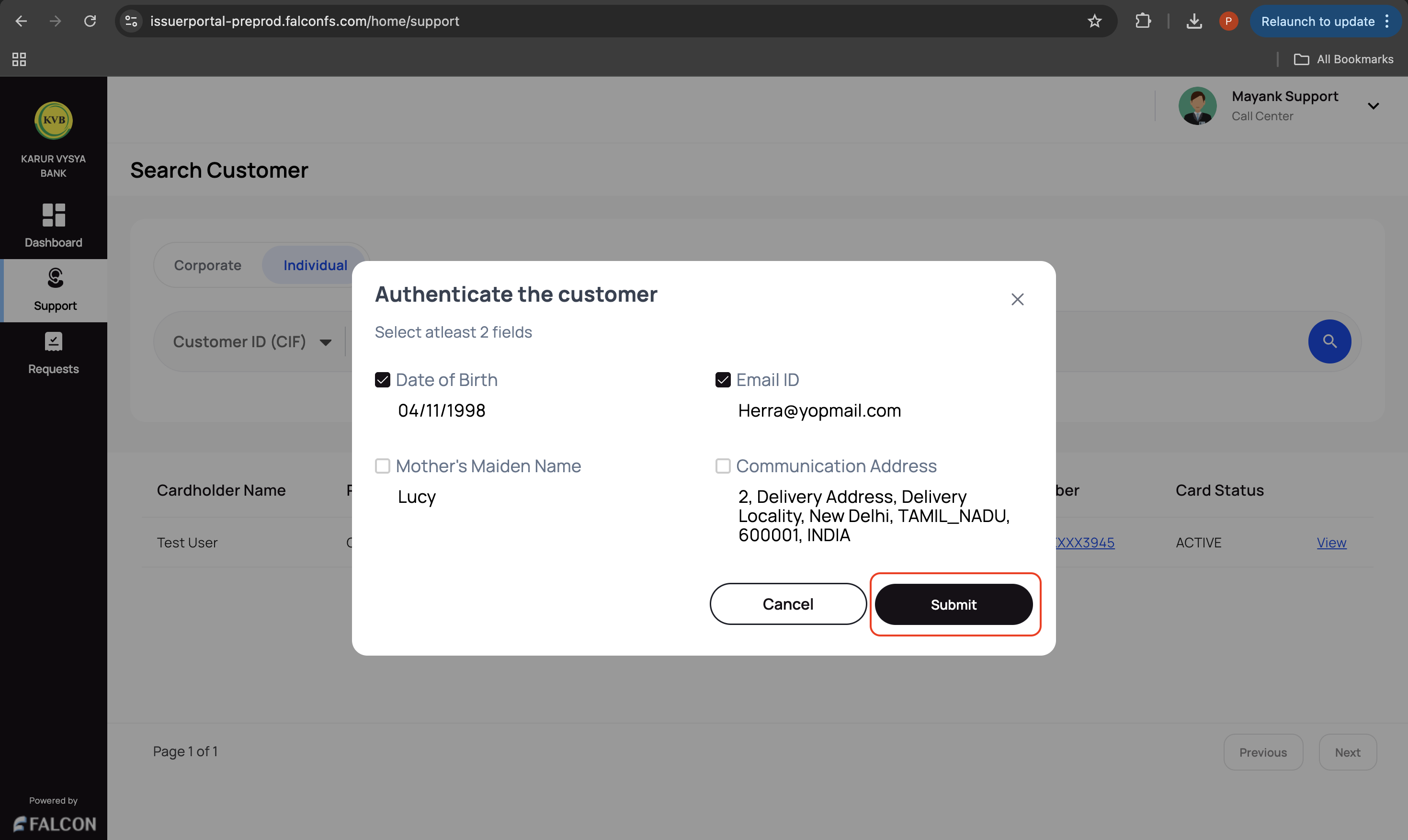
-
Go to the Statements tab and click View Transactions against a particular statement to view a list of transactions.
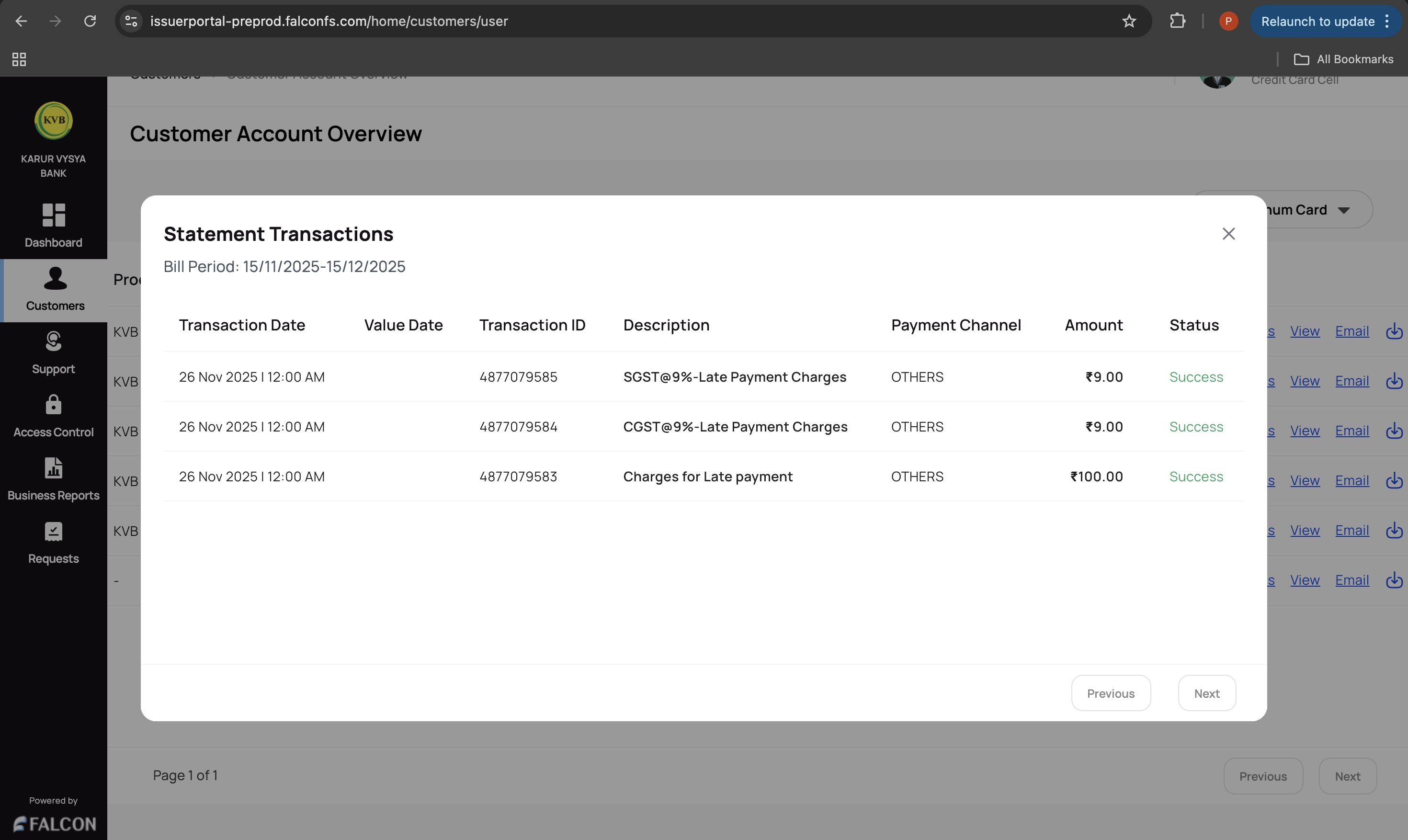
📤 View, Email, or Download a Statement
This can be used to view, email, or download a statement.
To view, email, or download the statement of a billing period:
-
Log in to the issuer dashboard using the role-based credentials.
-
If a user is:
- An admin maker: Click the customer to pay the bill.
- A support maker: Click the customer, select any two customer details to authenticate, and click Submit.
-
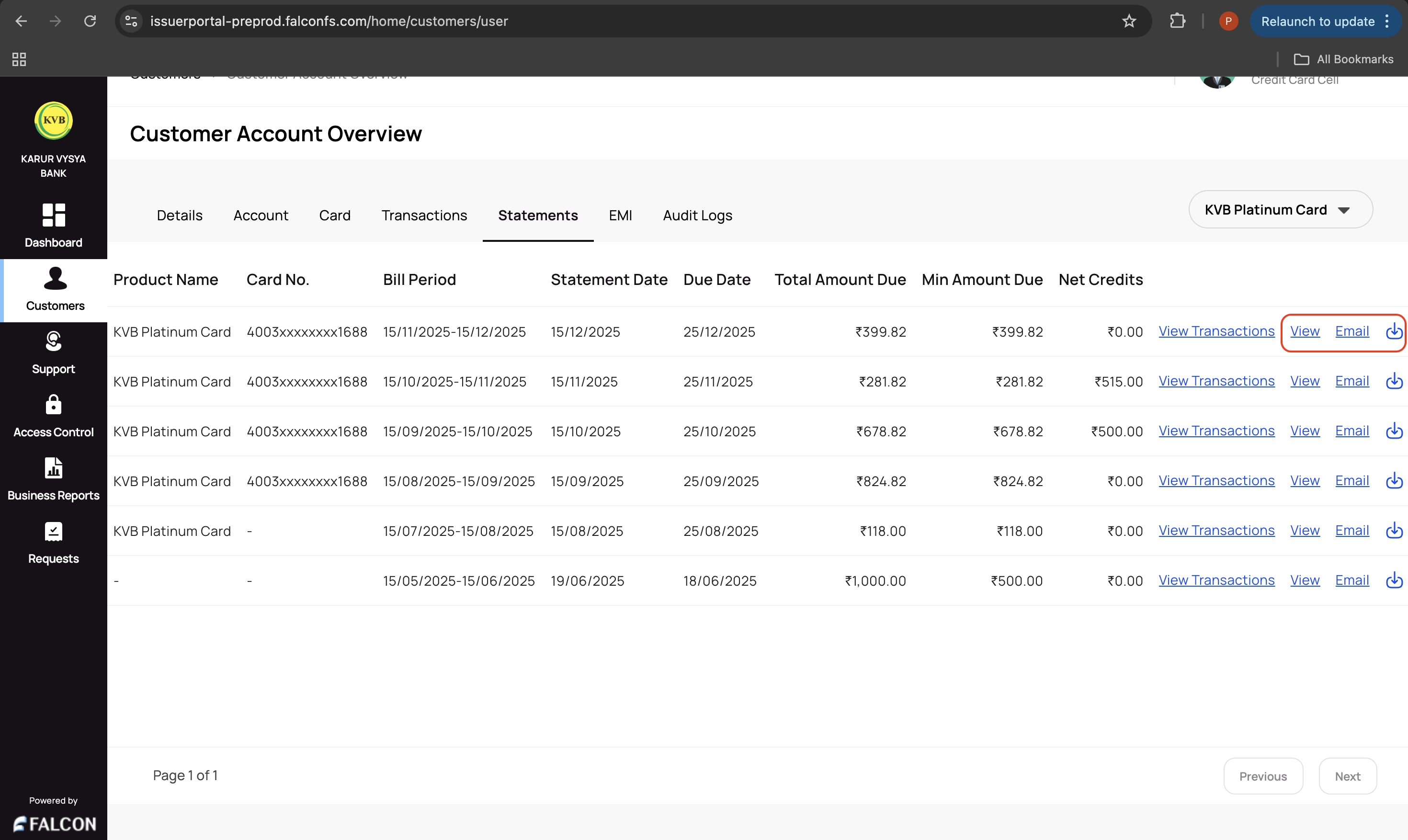
Go to the Statements tab and click any of the following against a particular statement.
- View: Click this to view the statement.
- Email: Click this to email the statement to the registered email ID.
- Download: Click the download icon to download the statement.
Updated 9 months ago
Related Information
Refer to the following pages for any additional information.